

ZWO SeeStar TC20 Carbon Fiber Tripod (without Head)
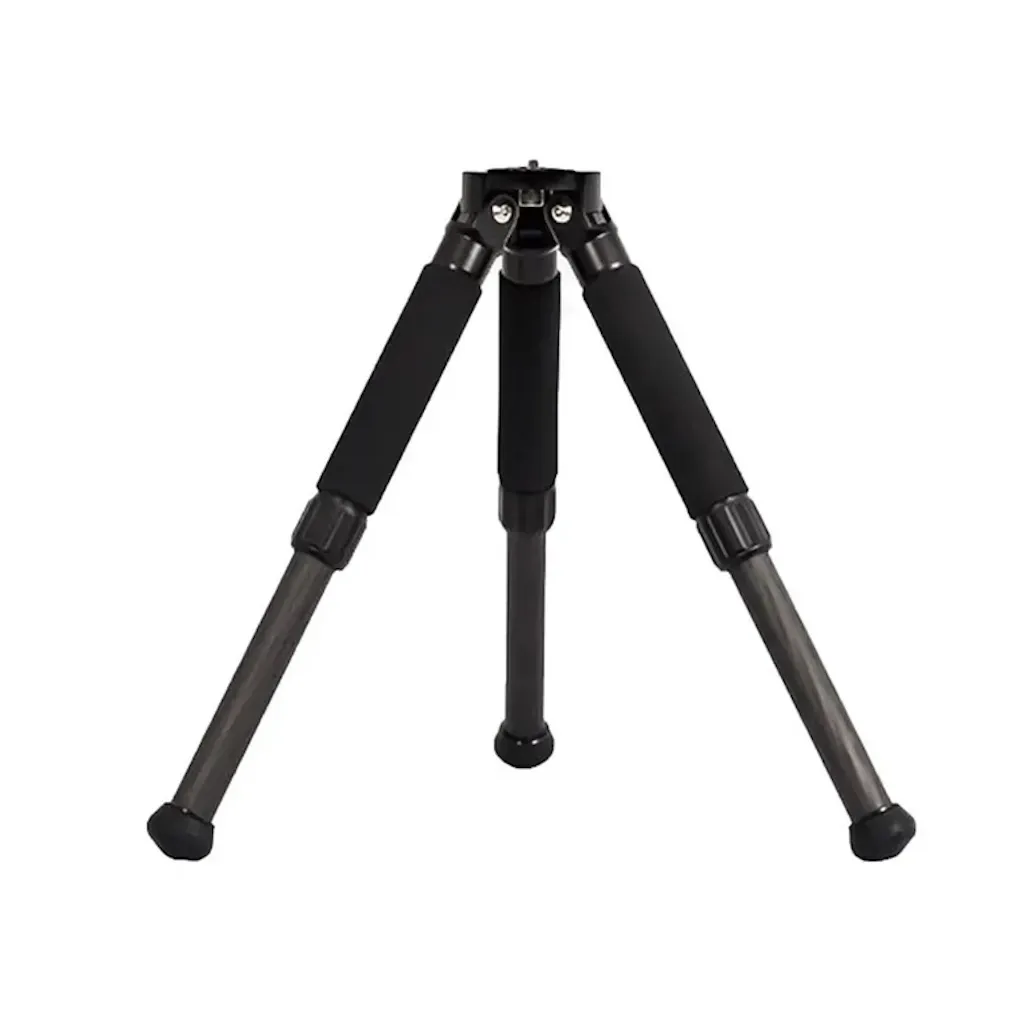
Upgrade your Seestar setup with the TC20 Carbon Fiber Tripod, a lightweight, sturdy, and adjustable tripod—perfect for a Seestar S30 or Seestar S30 Pro, or for a Seestar S50 in need of a replacement for the stock tripod.
Step 1
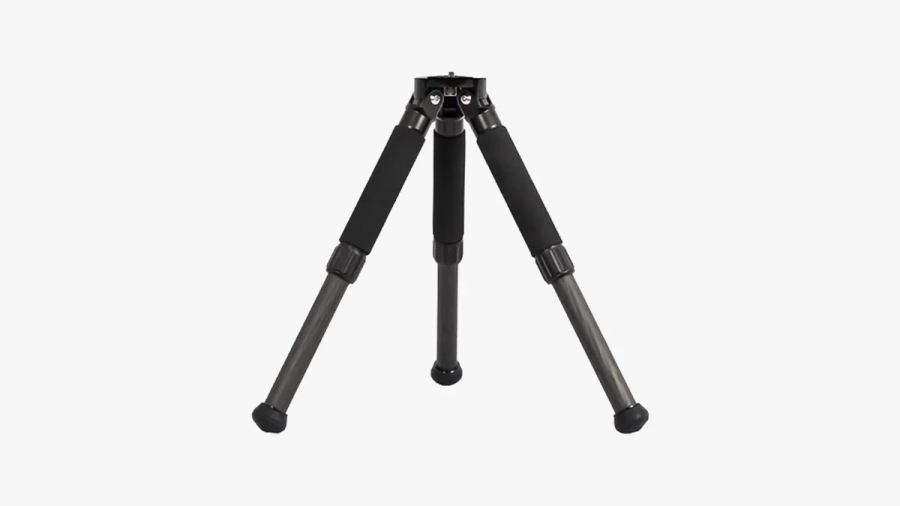
After unfolding the tripod, adjust each leg to the desired length and securely lock them in place. Then, place the tripod body on a flat, stable surface. Align one leg roughly towards the north (in the Northern Hemisphere). Carefully observe the spirit level and adjust the leg height to ensure the bubble is centered within the marked circular indicator. At this point, the tripod is properly set up.
Step 2
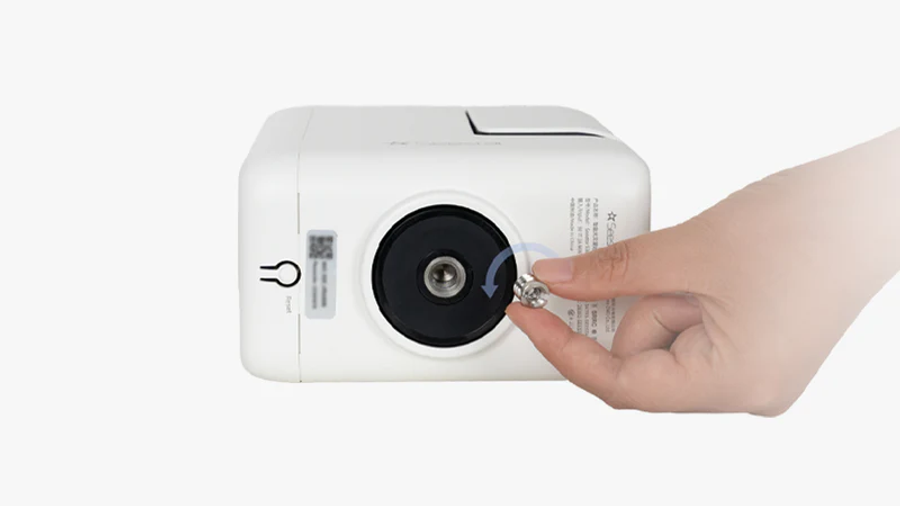
First, install TH10 by screwing the 1/4″ to 3/8″ threaded screw adapter into the Seestar, subsequently, use a coin wrench to tighten the screws of the adapter.
Step 3
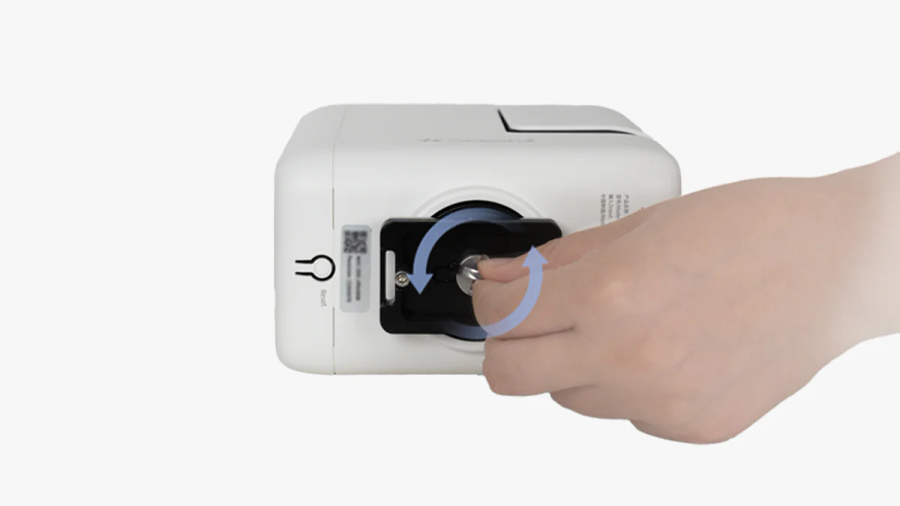
Attach the quick release plate, making sure it fits securely with the Seestar. (See attached pictures for reference). Then, tighten the screws on the quick release plate to ensure proper polar alignment during the setup process.
Step 4
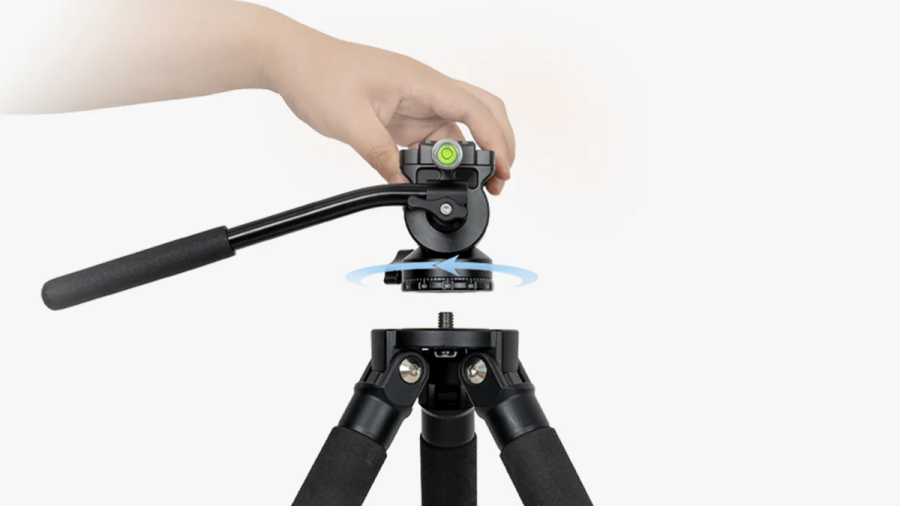
Tighten the horizontal adjustment knob at the bottom of the TH10 and attach the TH10 to the tripod. Then, loosen the knob and keep the dovetail groove pointing North, which should align with the north-facing support leg. Finally, tighten the knob.
Step 5
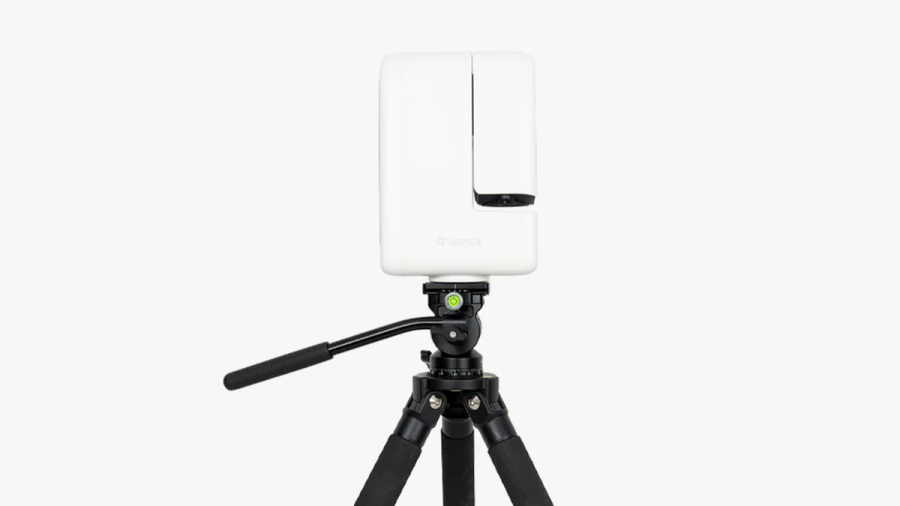
Install the Seestar device onto the TH10, aligning it with the dovetail groove. Tighten the knob firmly to ensure the equipment is secure. Once confirmed, the installation is complete.
Brand: ZWO |
Code: ZWO-SS-TC20-R
APN: 6977641322065 |
Supplier Code: ZWO-SS-TC20-R

Brand: ZWO |
Code: ZWO-SS-TC20-R
APN: 6977641322065 |
Supplier Code: ZWO-SS-TC20-R
At a glance
Upgrade your Seestar setup with the TC20 Carbon Fiber Tripod, a lightweight, sturdy, and adjustable tripod—perfect for a Seestar S30 or Seestar S30 Pro, or for a Seestar S50 in need of a replacement for the stock tripod.
Step 1After unfolding the tripod, adjust each leg to the desired length and securely lock them in place. Then, place the tripod body on a flat, stable surface. Align one leg roughly towards the north (in the Northern Hemisphere). Carefully observe the spirit level and adjust the leg height to ensure the bubble is centered within the marked circular indicator. At this point, the tripod is properly set up. |
|
|
|
Step 2First, install TH10 by screwing the 1/4″ to 3/8″ threaded screw adapter into the Seestar, subsequently, use a coin wrench to tighten the screws of the adapter. |
Step 3Attach the quick release plate, making sure it fits securely with the Seestar. (See attached pictures for reference). Then, tighten the screws on the quick release plate to ensure proper polar alignment during the setup process. |
|
|
|
Step 4Tighten the horizontal adjustment knob at the bottom of the TH10 and attach the TH10 to the tripod. Then, loosen the knob and keep the dovetail groove pointing North, which should align with the north-facing support leg. Finally, tighten the knob. |
Step 5Install the Seestar device onto the TH10, aligning it with the dovetail groove. Tighten the knob firmly to ensure the equipment is secure. Once confirmed, the installation is complete. |
|
